


行业解决方案
查看所有行业解决方案
IDA 用于解决软件行业的关键问题。
发布时间:2023-06-01 16: 51: 05
Action name:SetDemangledNames
IDA can demangle mangled C++names of the most popular C++compilers:
-Microsoft
-Borland
-Watcom
-Visual Age
-GNU
The demangled names are represented in two forms:short and long form.The short form is used when a name is used as a reference,the long form is used at the declaration.
You can set how demangled C++names must be represented:
-as comments.this representation allows you to obtain
recompilable source text
-instead of mangled names.this representation makes the output
more readable.the disadvantage is that you cannot recompile the
output
-don't display demangled names.
You can setup short and long forms of demangled names.Short form is used when a reference to the name is made;long form is used at the declaration.
To make demangled names more readable,we introduce the possibility to suppress pointer modifiers(near/far/huge).
To demangle GNU C v3.x names,the"Assume GCC v3.x names"checkbox should be set,otherwise such names might not be demangled.furthermore,to make the demangled name more compact,unsigned types may be displayed as uchar,uint,ushort,ulong.The same with signed basic types.
If the"Override type info"checkbox is set,the demangled name overrides the type information if both are present.
以下为中文翻译:
操作名称:SetDemangledNames
IDA可以对最流行的C++编译器的C++名称进行分解:
-微软
-宝兰
-沃通
-视觉时代
-GNU
demangled名称用两个表示
形式:短形式和长形式。当名称用作
参考,声明中使用长格式。
您可以设置必须如何表示demangled C++名称:
-作为评论。这种表示法让你获得
可重新编译的源文本
-而不是错位的名字。这种表示使得输出
更具可读性。缺点是不能重新编译
输出
-不要显示损坏的名称。
您可以设置短格式和长格式的demangled名称。使用缩写形式
当提及该名称时;声明中使用长格式。
为了使demangled名称更具可读性,我们引入了以下可能性
抑制指针修饰符(近/远/大)。
要分解GNU C v3.x名称,应设置Assume GCC v3.x名称复选框,
否则这些名称可能不会被删除。
此外,为了使分解后的名称更紧凑,可以显示未签名的类型
作为uchar、uint、ushort、ulong。与带符号的基本类型相同。
如果设置了Override type info复选框,则demangled名称将覆盖
如果两者都存在,则键入信息。
展开阅读全文
︾
 400-8765-888
 kefu@makeding.com
专业销售为您服务

读者也喜欢这些内容:
IDA Hex-Rays伪代码怎么刷新 IDA Hex-Rays伪代码变量名怎么整理
用Hex-Rays看伪代码时,很多人不是不会点功能,而是顺序没走对。改了类型以后没刷新,看到的还是旧结果;先急着改变量名,结果类型还没理顺,越改越乱。官方文档其实把这套流程写得很明白,伪代码窗口支持手动重编译,局部变量也可以直接重命名、改类型、做变量映射,只是这些动作要按顺序配合着用,效果才会稳定。...
阅读全文 >
IDA Pro安装包校验失败怎么办 IDA Pro安装完成后启动就闪退是什么原因
在客观的日常场景里,你从My Hex-Rays门户下载了IDA Pro安装包,准备在Windows或macOS上安装,结果安装向导提示安装包校验失败,或是安装完成后双击图标程序瞬间退出。遇到这类问题不要急着反复重装,先把校验失败当作文件完整性问题处理,再把闪退当作运行环境与组件加载问题处理,按下面的路径排查通常能快速收敛到原因。...
阅读全文 >
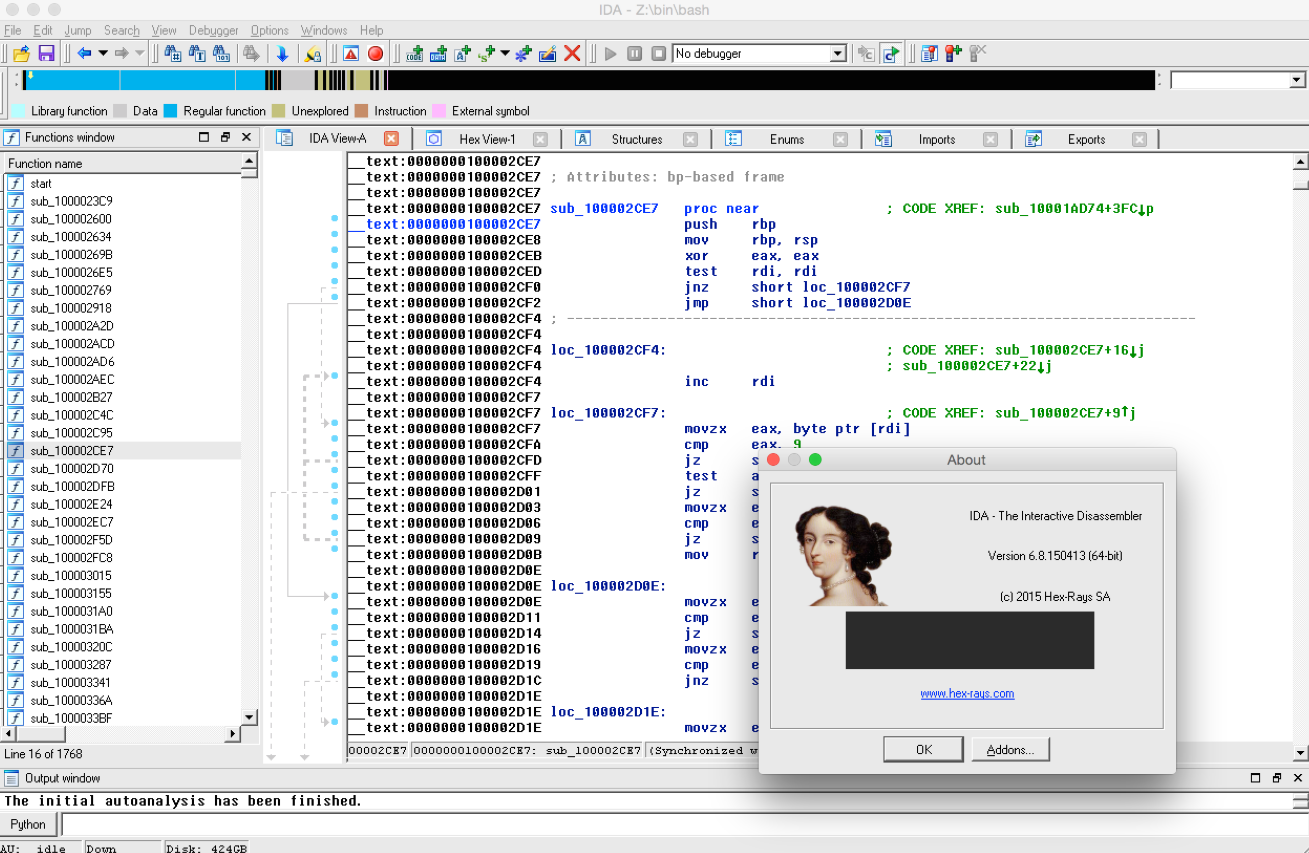
IDA Pro脚本怎么编写?IDA Pro如何自动化反编译任务?
如果你是从事逆向工程或者恶意软件分析的朋友,应该对IDA Pro这款工具不陌生,IDA Pro有强大的脚本功能,通过它你可以自动化很多工作,省时省力。今天,我们就来聊一聊IDA Pro脚本怎么编写?IDA Pro如何自动化反编译任务?让工作效率更高!...
阅读全文 >
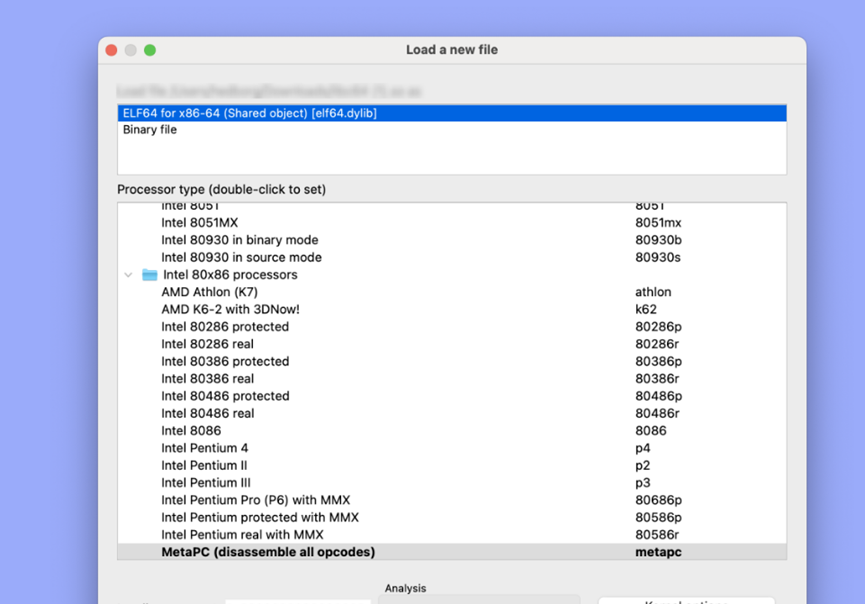
ida伪代码是什么语言 如何看懂ida伪c代码
在软件逆向工程里,IDA 这款工具特别有名。它可以帮我们把机器码变成更容易理解的代码。很多人觉得直接看汇编代码太难,于是 IDA 提供了伪代码功能,能把这些机器码“翻译”成像 C 语言那样的代码,方便我们理解。所以,今天我们就来聊聊“ida伪代码是什么语言 如何看懂ida伪c代码”这个问题,希望能让你对IDA伪代码有更清晰的认识。...
阅读全文 >
 汽车安全
汽车安全  金融保险
金融保险  游戏开发
游戏开发  网络安全与防护
  工业4.0应用升级产业
  渗透测试
渗透测试  教育
教育  知识产权
知识产权 司法鉴定
司法鉴定 