


行业解决方案
查看所有行业解决方案
IDA 用于解决软件行业的关键问题。
发布时间:2022-10-15 15: 52: 30
The Lumina server is a "functions metadata" repository.
It is a place where IDA users can push, and pull such metadata, to ease their reverse-engineering work: metadata can be
extracted from existing projects, and re-applied effortlessly to new projects, thereby reducing (sometimes dramatically)
the amount of time needed to analyze binaries.
Lumina server vs Hex-Rays Vault server: what is the difference?
While the workflow with the Hex-Rays Vault server and associated tools (hv, hvui and IDA’s diff/merge modes) are
extremely powerful for working on multiple revisions of the same binaries, the Lumina server in turn eases the replication
of past efforts to new projects.
In effect, the Lumina server offers another "dimension" to collaborative reverse-engineering efforts。
Functions metadata
The Lumina server associates "function metadata" to functions, by means of a (md5) hash of those functions: whenever it
wants to push information to, or pull information from the server, IDA will first have to compute hashes of the functions it
wants to retrieve metadata for, and send those hashes to the Lumina server.
Similarly, when IDA pushes information to the Lumina server, it will first compute hashes for the corresponding functions,
extract the metadata corresponding to those from the .idb file, and send those hash+metadata pairs to the server.
Metadata contents
Metadata about functions can include:
• function name
• function address
• function size
• function prototype
• function [repeatable] comments
• instruction-specific [repeatable] comments
• anterior/posterior (i.e., "extra") comments
• user-defined "stack points" in the function’s frame
• the function frame description and stack variables
• instructions operands representations
Pushing & overriding metadata
When a user pushes metadata about a function whose md5 hash isn’t present in the database, the Lumina server will
simply create a new record for it.
However, when a user pushes metadata about a function whose md5 hash (and associated metadata) is already present
in the database, the Lumina server will attempt to "score" the quality of the old metadata and the quality of the new
metadata. If the score of the new metadata is higher, the new function metadata will override the previous one.
NOTE
When a user asks IDA to push all functions to the Lumina server, IDA will automatically skip some
functions: those that still have a "dummy" name (e.g., sub_XXXX), or that are below a certain size
threshold (i.e., 32 bytes) will be ignored.
Metadata history
The Lumina server retains a history of the metadata associated to functions. Using the lc utility, it is possible to dig into
that history, and view changes (detailed diffs, too.)
File contents
It’s worth pointing out that when pushing metadata to the Lumina server, IDA will not push the binary file itself. Only the
following metadata about the file itself will be sent:
• the name of the input file
• the name of the IDB file
• a md5 hash of the input file
The Lumina server cannot therefore be used as a backup/repository for binary files & IDBs (that would be the role of the
Hex-Rays Vault server)
中文翻译:
Lumina服务器是一个“函数元数据”存储库。
它是一个地方,IDA用户可以将这些元数据推送和拉取到其中,以便简化他们的反汇编工作:元数据可以从现有项目中提取,并轻松地应用于新项目中,从而大大减少了分析二进制文件所需的时间。
Lumina服务器与Hex-Rays Vault服务器的区别:
虽然与Hex-Rays Vault服务器及其相关工具(hv、hvui和IDA的diff/merge模式)的工作流程非常强大,可以用于处理相同二进制文件的多个版本,但Lumina服务器则可以轻松地将以前的工作复制到新项目中。实际上,Lumina服务器为协作反汇编工作提供了另一个“维度”。
函数元数据
Lumina服务器通过函数的(md5)哈希将“函数元数据”与函数关联起来:每当它想要将信息推送到或从服务器上拉取信息时,IDA都需要首先计算要检索元数据的函数的哈希值,并将这些哈希值发送到Lumina服务器。类似地,当IDA将信息推送到Lumina服务器时,它将首先为相应的函数计算哈希值,从.idb文件中提取对应的元数据,并将这些哈希值和元数据对发送到服务器。
元数据内容
有关函数的元数据可能包括:
•函数名称
•函数地址
•函数大小
•函数原型
•函数的[可重复]注释
•指令特定的[可重复]注释
•前/后(即“额外”)注释
•用户定义的函数框架中的“堆栈点”
•函数框架描述和堆栈变量
•指令操作数表示
推送和覆盖元数据当用户推送某个函数的元数据,其md5哈希值不在数据库中时,Lumina服务器将简单地为其创建一个新记录。
然而,当用户推送某个函数的元数据,其md5哈希值(和相关元数据)已经存在于数据库中时,Lumina服务器将尝试“评分”旧元数据和新元数据的质量。如果新元数据的分数更高,则新的函数元数据将覆盖以前的元数据。
注意:当用户要求IDA将所有函数推送到Lumina服务器时,IDA将自动跳过一些函数:那些仍然有“虚拟”名称(例如sub_XXXX)或大小低于某个阈值(即32字节)的函数将被忽略。
元数据历史记录Lumina服务器保留了与函数关联的元数据的历史记录。使用lc实用程序,可以深入挖掘该历史记录,并查看更改(也可以查看详细的差异)。
文件内容值得指出的是,当将元数据推送到Lumina服务器时,IDA不会推送二进制文件本身。仅会发送有关文件本身的以下元数据:
•输入文件的名称
•IDB文件的名称
•输入文件的md5哈希值
因此,Lumina服务器不能用作二进制文件和IDB的备份/存储库(这是Hex-Rays Vault服务器的角色)。
展开阅读全文
︾
 400-8765-888
 kefu@makeding.com
专业销售为您服务

读者也喜欢这些内容:
IDA Pro调试器连不上目标怎么办 IDA Pro调试器类型应该怎么选
很多人用IDA Pro动态调试时,表面上看问题是“连不上”,真正根子往往有两层。一层是调试链路根本没配通,比如远程调试服务器没启动、主机地址没填、路径写成了本机路径、端口或防火墙没放行;另一层是调试器类型一开始就选错了,比如明明是gdbserver目标,却还在用本地Windows或Linux调试器。Hex-Rays官方文档把这件事分得很清楚,IDA需要先在【Debugger】【Select debugger】里选对调试器,再到【Debugger options】或【Process options】里补齐连接细节。...
阅读全文 >
IDA Lumina怎么启用 IDA Lumina同步失败怎么排查
很多人第一次接触 IDA Lumina,会以为它和普通插件一样,装好就会自己开始同步,结果要么菜单里没有相关动作,要么明明点了同步却一直没返回预期结果。实际上,Lumina这一套功能分成客户端启用、服务器选择、自动拉取和手动推送几层来配,前面少一步,后面就容易看起来像是同步失败。Hex-Rays 目前的官方文档也把这几层拆得很清楚,公共服务器和私有服务器的配置方式不同,自动同步发生在初始自动分析结束后,手动同步则要从【Lumina】菜单单独触发。...
阅读全文 >
IDA Pro反汇编51怎么加载文件 IDA Pro反汇编51指令集识别错误怎么修正
做51固件反汇编时,加载阶段的选择会直接决定后面看到的是可读的指令流,还是一片看似随机的字节。因为51也叫MCS-51,程序存储器与数据存储器是分离的地址空间,IDA里如果只把文件当成单一内存段塞进去,后续的SFR映射、向量表识别、以及代码数据区分都会被带偏。...
阅读全文 >
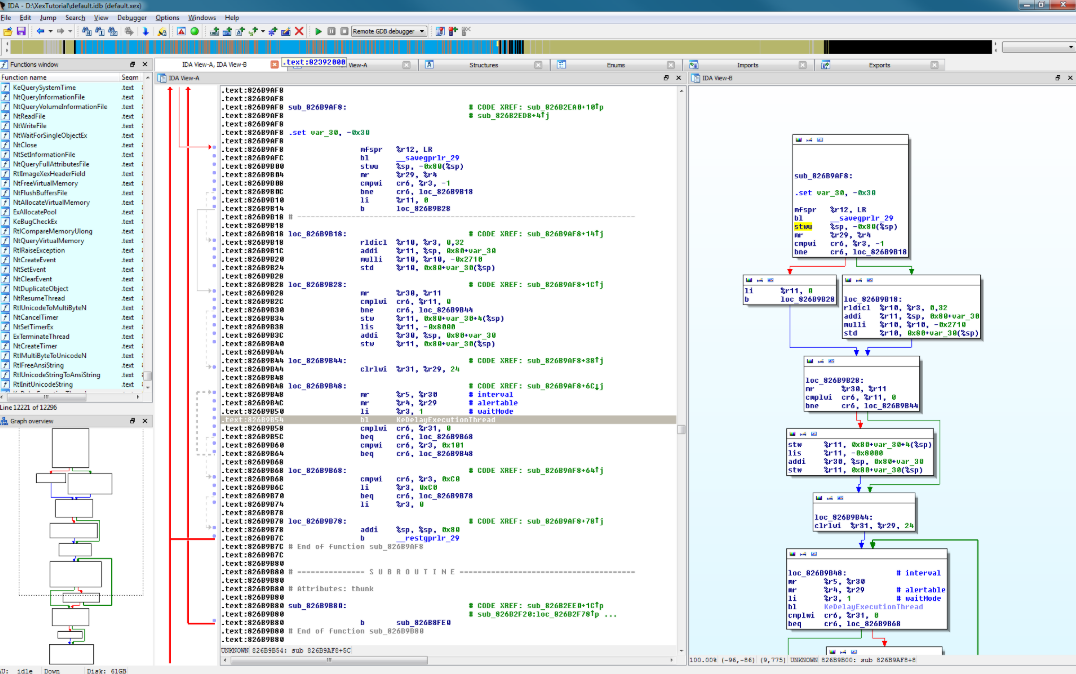
IDA Pro怎么做动态分析 如何实时监控IDA Pro的程序执行
嘿!如果你是搞逆向工程或者程序分析的,那你应该知道IDA Pro这款工具有多牛逼。不管是静态分析还是动态分析,IDA Pro都能给你提供最强大的支持,尤其是动态分析,它能够实时监控程序的执行,帮助你发现程序在运行时的一些潜在问题或者漏洞。对于很多刚接触IDA Pro的朋友,可能会有点困惑,像IDA Pro怎么做动态分析 如何实时监控IDA Pro的程序执行,别急,今天就带你们一起来看看,这些操作其实没那么复杂,跟着我走就行。...
阅读全文 >
 汽车安全
汽车安全  金融保险
金融保险  游戏开发
游戏开发  网络安全与防护
  工业4.0应用升级产业
  渗透测试
渗透测试  教育
教育  知识产权
知识产权 司法鉴定
司法鉴定 